How to Use StyleBuddy Virtual Try-On Links to Boost Your Fashion Brand
In today’s fast-paced online fashion market, shoppers want interactive, realistic ways to try products before buying. Th

By Vasundhara | Published: Jul 13, 2026 | Updated: Jul 13, 2026
If you sell fashion on Shopify, a virtual try-on app is no longer a novelty — it's the fastest way to cut returns and help shoppers buy with confidence. But "best virtual try-on app for Shopify" means different things depending on what you sell, how large your
AI Fashion & Technology
Fashion Brands
Fashion for Brands (B2B)
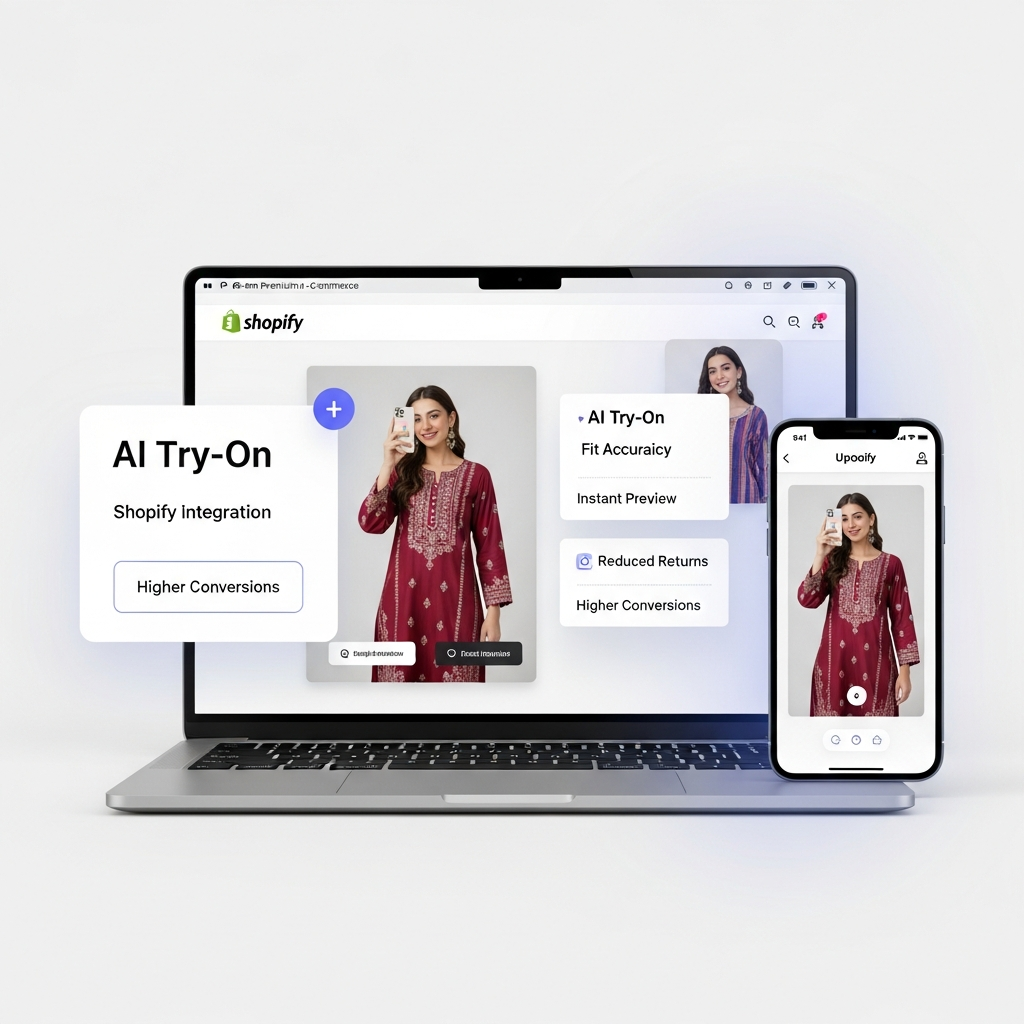
If you sell fashion on Shopify, a virtual try-on app is no longer a novelty — it's the fastest way to cut returns and help shoppers buy with confidence. But "best virtual try-on app for Shopify" means different things depending on what you sell, how large your catalog is, and what you can spend. This guide gives you a straight, eight-point checklist to judge any try-on app against - no jargon, no hype, so you pick the one that actually moves your numbers.
What is a virtual try-on app? A virtual try-on app lets online shoppers see how a garment looks on them — by uploading a photo or using a model image, before they buy. On Shopify, it installs on your product pages to reduce size guesswork and lower returns.
Every try-on demo looks impressive in a controlled video. The gap shows up later, when a real customer uploads an ordinary phone photo, on a mid-range device, for a saree instead of a t-shirt. That's where most tools quietly fall apart.
The right app for your store is the one that stays accurate on your categories, loads fast enough that shoppers actually use it, and installs without a developer holding your hand for two weeks. Get those three right and the returns and conversion benefits follow. Get them wrong and you've paid for a widget nobody touches.
If you're still deciding whether try-on is worth it at all, start with Introducing StyleBuddy Virtual Try-On for the why. This guide is about the how you choose.
Before you compare price or reviews, check the five things that decide whether a try-on tool works in the real world. We call it FIT-5 — five features no fashion brand should compromise on:
If a tool wins on all five, it earns a place on your shortlist. Then you move to the business questions below.
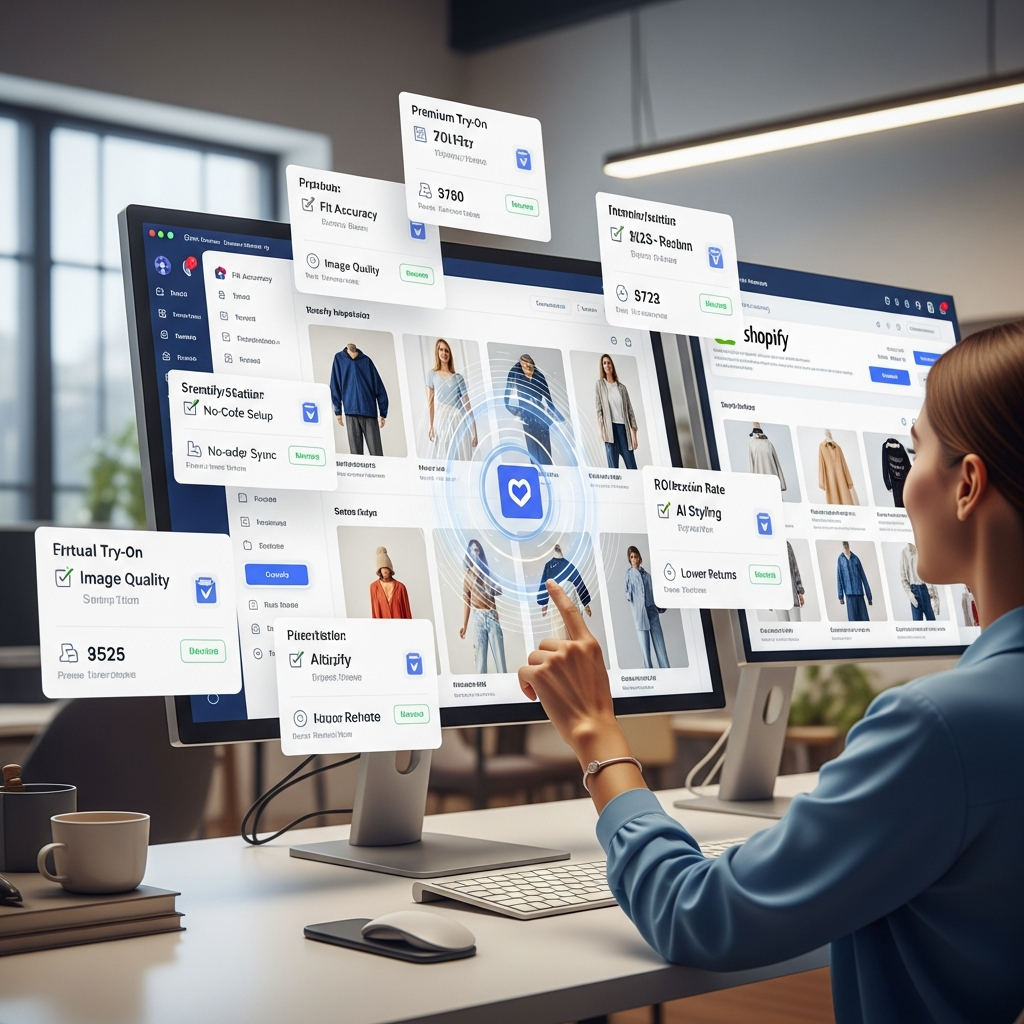
Use this to score any virtual try-on app for Shopify. Give each a simple yes / partly / no.
A quick way to read your score: if you can't tick items 1–4, stop there. Accuracy, speed and easy setup are the foundation, the rest is upside.

We built StyleBuddy Try-On around the same checklist above. On Shopify it installs as an app on your product pages, and you can also generate shareable try-on links to launch without touching your theme, useful when you want to test on a few products first.
Beyond the try-on itself, the app connects directly to your inventory, suggests similar or complementary products, and adds textual styling tips so a single try-on session can turn into a larger basket. For brands that want a distribution channel too, there's affiliate tracking that ties product sales back to the StyleBuddy platform.
We're not going to claim it's the only tool that fits every brand,that depends on your catalogue and stage. But if you run the FIT-5 framework and the eight-point checklist honestly, we're confident StyleBuddy earns a spot on your shortlist. The fastest way to know is to see it on your own products.
What is the best virtual try-on app for Shopify?
The best app is the one that stays accurate on your specific categories, loads in seconds, and installs without code. Score any tool against fit realism, speed, native Shopify integration and no-code setup first, then compare pricing and payback.
How much does a Shopify virtual try-on app cost?
Pricing varies by tool and usage, and most are billed in USD. Judge cost against returns saved and conversion gained rather than the sticker price alone — a try-on app that pays back within a season is cheaper in practice than a low-priced one nobody uses.
Does virtual try-on work for ethnic wear like sarees and lehengas?
Only if the tool is built for drape-heavy garments. Many try-on apps are trained mainly on western tops and struggle with Indian silhouettes, so always test on your hardest ethnic product before you commit.
Do I need a developer to add virtual try-on to Shopify?
Not with a plug-and-play app. StyleBuddy installs on your product pages without custom code, and shareable try-on links let you launch on selected products with no theme changes at all.
How does virtual try-on reduce returns?
It removes the "will this suit me?" doubt that causes a large share of fashion returns. When shoppers can see the item on themselves before buying, size and style guesswork drops — and so does the return rate.
Don't take a checklist's word for it — watch StyleBuddy Try-On run on your own products. Book a free try-on demo and we'll show you fit accuracy, speed and setup on the categories you actually sell.

Hi I’m Vasundhara - I’m a personal stylist and a growth marketer. I’m writing this blog to share thoughts about fashion, styling, technology and StyleBuddy. I’m passionate about fashion in general.
In today’s fast-paced online fashion market, shoppers want interactive, realistic ways to try products before buying. Th
The online fashion industry is evolving at a breakneck pace. Shoppers today want more than just pictures—they want an in

Planning outfits for multiple wedding functions can be overwhelming for men, with each event demanding a different look

Your Wedding, Your Way: Personalised Style with Style Studio Personalising a wedding goes beyond choosing a beautiful ou
