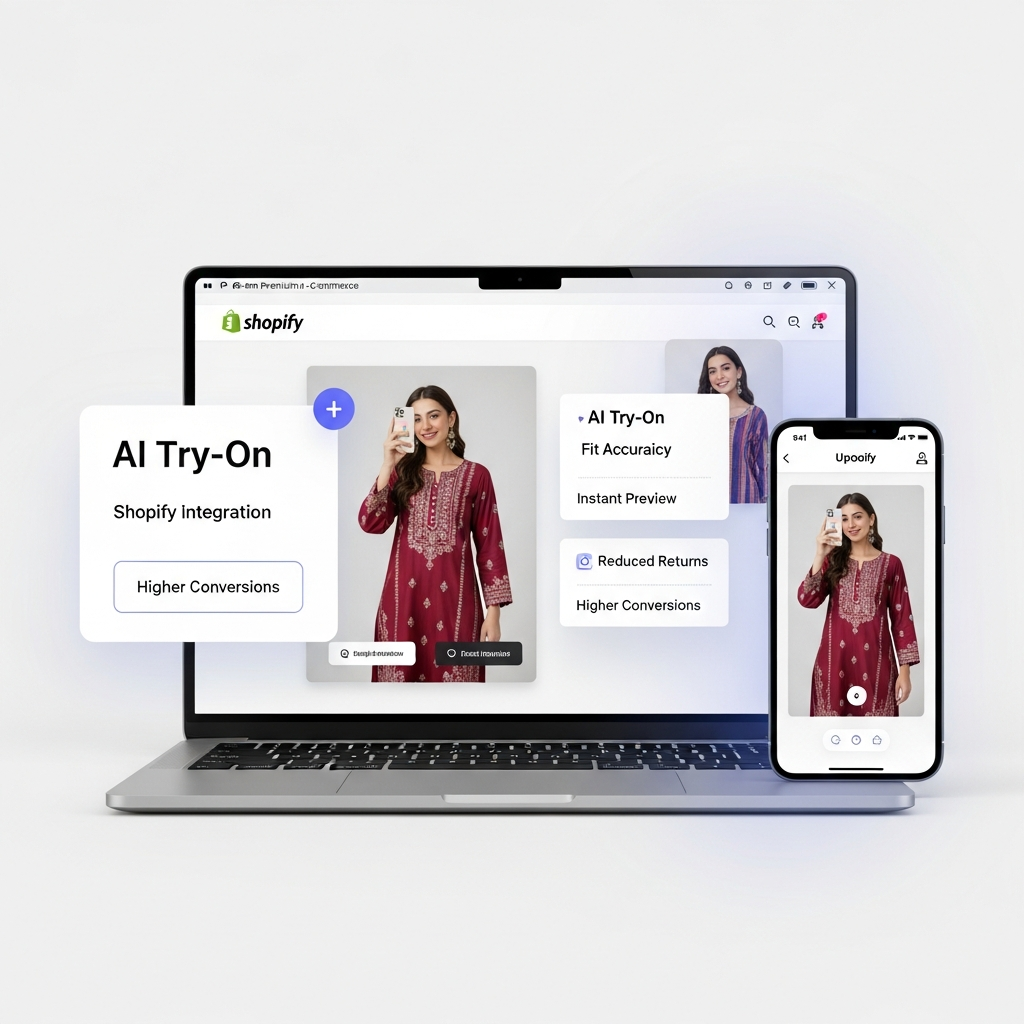
Best Virtual Try-On App for Shopify in 2026: A Buyer's Checklist for Fashion Brands
If you sell fashion on Shopify, a virtual try-on app is no longer a novelty — it's the fastest way to cut returns and he

By Geetanjali Bharali | Published: Mar 16, 2026 | Updated: Apr 15, 2026
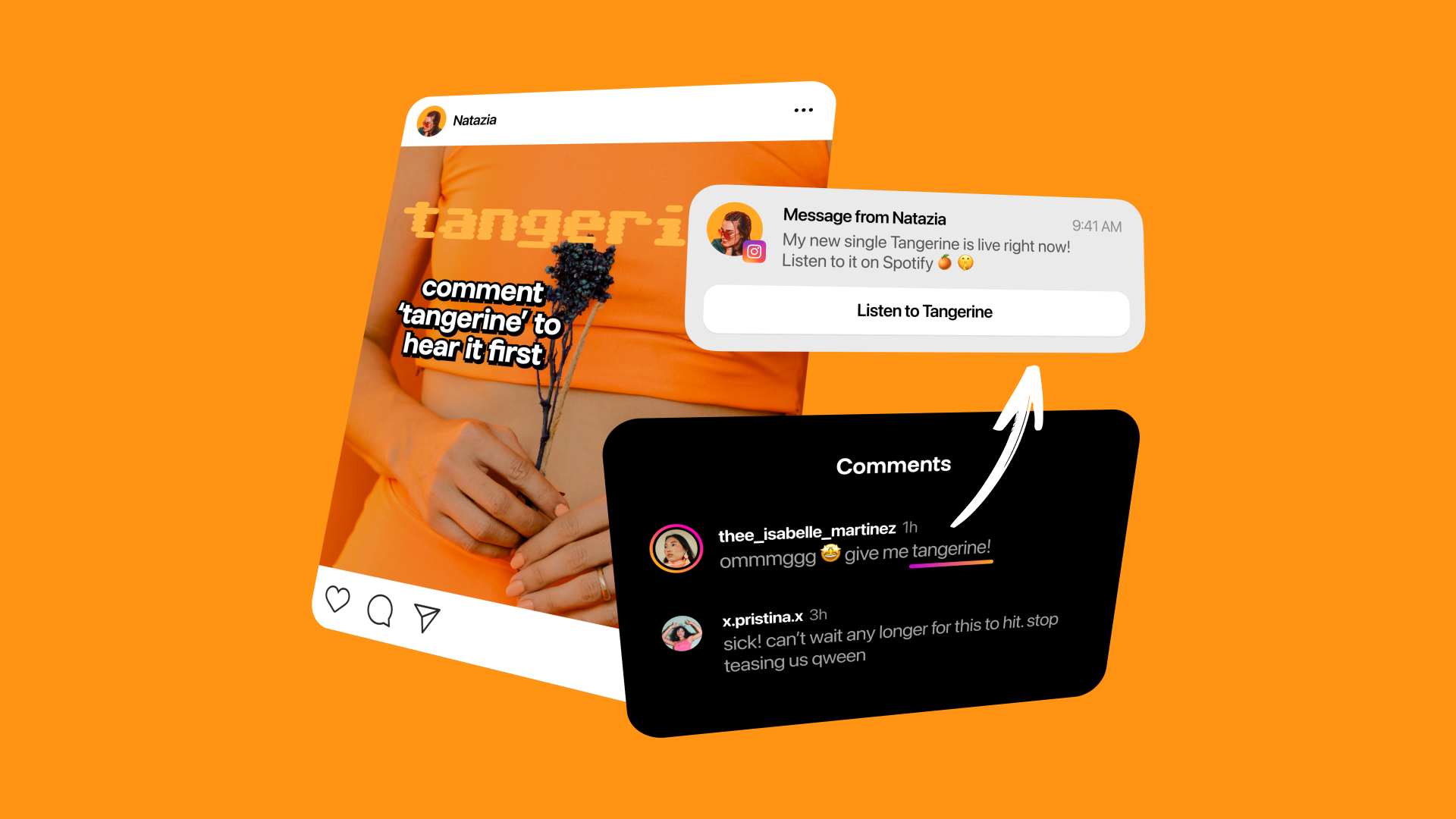
In today’s fast-paced online fashion market, shoppers want interactive, realistic ways to try products before buying. That’s where StyleBuddy Virtual Try-On Links come in—an AI-powered, shareable solution that lets your audience experience your collection anyw
AI Fashion & Technology
AI Fashion & Technology
Company
Product Updates
In today’s fast-paced online fashion market, shoppers want interactive, realistic ways to try products before buying. That’s where StyleBuddy Virtual Try-On Links come in—an AI-powered, shareable solution that lets your audience experience your collection anywhere online. Think of it as a Linktree for try-ons: you set up your products on a page, generate a link, and share it everywhere—social media, email campaigns, WhatsApp, and beyond.
Here’s a step-by-step guide to help your fashion brand leverage this powerful tool.
Tip: Highlight your latest collections or bestsellers first to capture attention.
Once your page is ready:
This link becomes your central hub for all promotional activity—no website integration needed.
The beauty of StyleBuddy Virtual Try-On Links is flexibility:
Tip: Use UTM parameters for your links to track which channel drives the most engagement.
After sharing your link:
The link is dynamic, meaning you can update products without changing the URL. This keeps your campaigns fresh without the hassle of creating new links constantly.
StyleBuddy Virtual Try-On Links let fashion brands meet customers wherever they are online with an interactive, photorealistic try-on experience. By setting up your products, generating a link, sharing it strategically, and analyzing engagement, you can boost conversions, reduce returns, and maximize your marketing reach.
Ready to turn your collections into shareable try-on experiences?
Create your free brand account and get started right away- REGISTER

With a stylist's eye for detail and a writer's love for language, I weave together the visual and the verbal. As a Senior Stylist, I sculpt identity through clothing; as a Creative Content Writer, I articulate the soul of style. This space is where my two passions collide, a place to explore how what we wear shapes who we are, and the stories we tell! I'm so glad you're here
If you sell fashion on Shopify, a virtual try-on app is no longer a novelty — it's the fastest way to cut returns and he
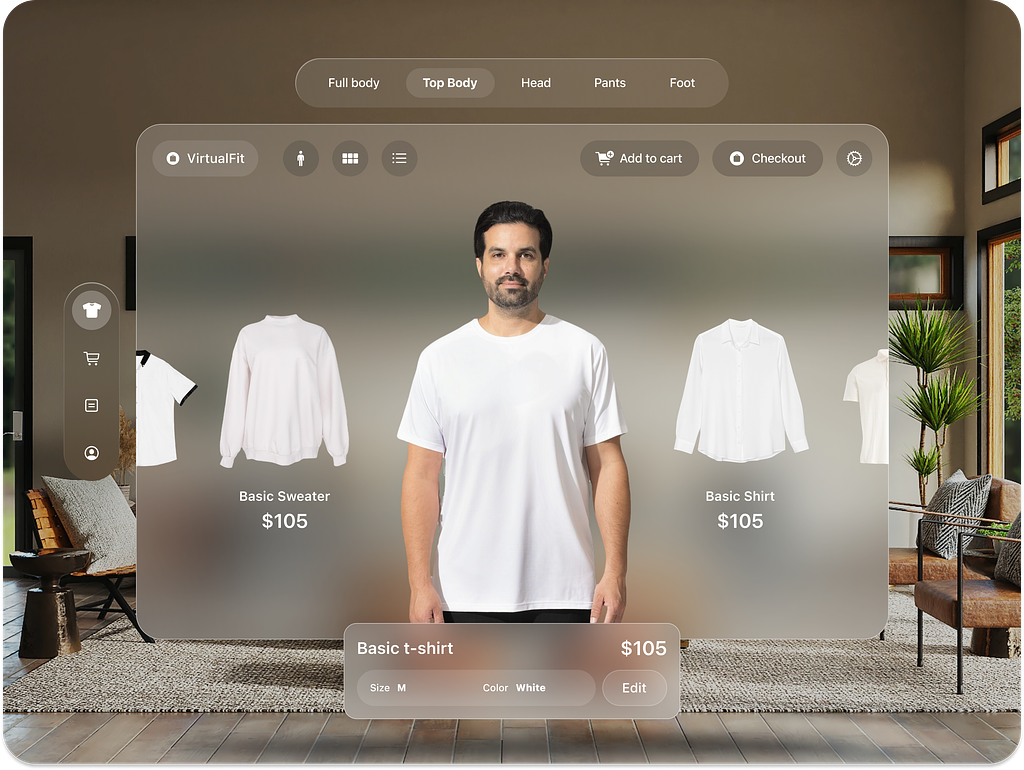
The online fashion industry is evolving at a breakneck pace. Shoppers today want more than just pictures—they want an in
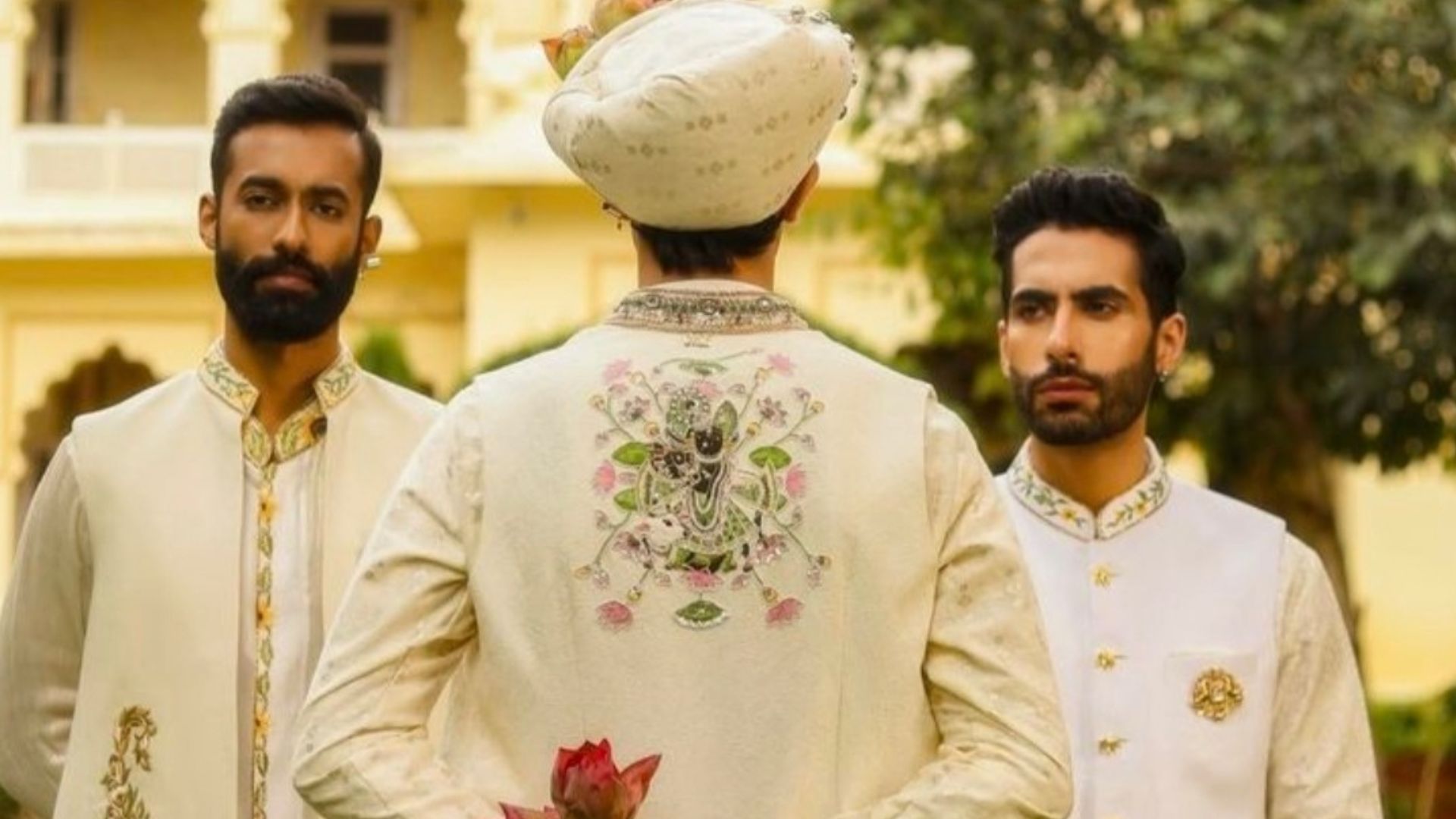
Planning outfits for multiple wedding functions can be overwhelming for men, with each event demanding a different look
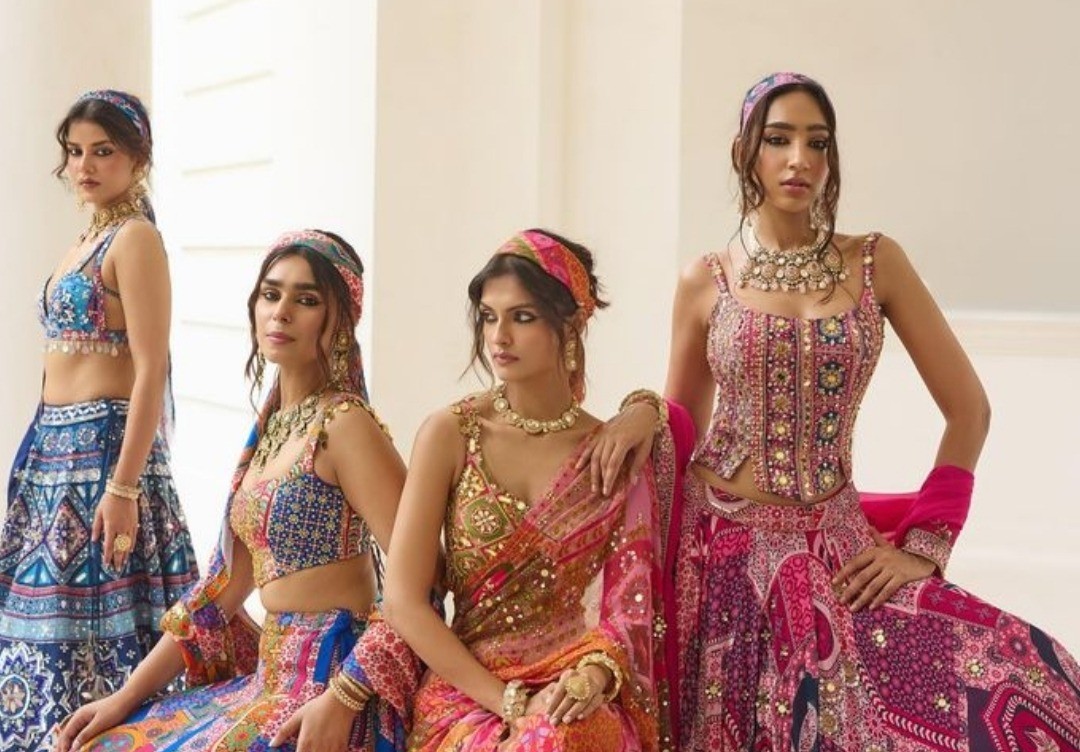
Your Wedding, Your Way: Personalised Style with Style Studio Personalising a wedding goes beyond choosing a beautiful ou
